Installation Paths for situs138
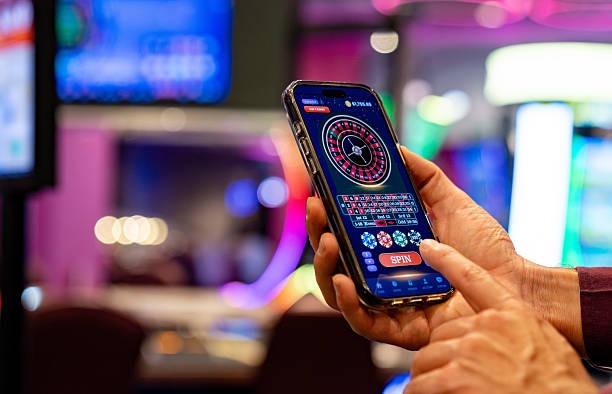
situs138 offers three installation methods: Android APK direct download, iOS mobile browser, and web browser on desktop or tablet. Each path leads to the same account and live-dealer studio experience.
Android Installation Steps
- Download the situs138 APK: Visit our situs138 account page and select "Download APK for Android" under the app section.
- Enable unknown sources: Go to Settings → Security on your Android device and toggle "Allow installation from unknown sources" (or "Install unknown apps") to permit APK installation outside the Google Play Store.
- Install the APK: Open your file manager, locate the situs138 APK file, tap it, and confirm installation when prompted.
- Launch and register: Open situs138 from your home screen or app drawer, create your account with email and password, upload your KTP or passport for verification, and select your first deposit method.

Native App vs. Mobile Browser
Our situs138 native Android app includes offline caching—live-dealer table layouts and game rules download to your device so you can review them without internet. Push notifications alert you when a major Liga 1 match or Piala AFF tournament begins, or when a friend joins a table. The app prioritizes speed: dealer video and table updates load faster on slower mobile networks than the browser version. However, the web browser delivers the same full feature set—blackjack, roulette, baccarat, Dragon Tiger, Sic Bo, sports betting, and esports—without consuming phone storage. Choose the app for speed and notifications; use the browser if you prefer to avoid installation or manage storage.
Device Compatibility
situs138 supports Android 7.0 and later (released in 2016 and newer). Most Android phones sold in the last eight years meet this requirement. iOS users can access situs138 through Safari, Chrome, or any mobile browser on iOS 12 and later. Tablets (iPad, Samsung Galaxy Tab) work with both Android APK and iOS browser access. If your device runs an older operating system, update it through your phone's Settings app or contact our support team for compatibility guidance.
Common Installation Issues and Solutions
If your Android device blocks the APK installation with "Parse error" or "Installation failed," first confirm that you enabled "Unknown sources" in Settings → Security. Some Android manufacturers (Samsung, Xiaomi) require a second step: go to Settings → Apps → Special app access and grant "Install unknown apps" permission to your file manager or browser. Certificate trust warnings appear on older Android versions if the device clock is set incorrectly; verify your date and time match your timezone. If you see "Insufficient storage," delete unused apps or files and try again. iOS users who see a blank page should clear Safari cache (Settings → Safari → Clear history and website data), force-close the browser, and reopen situs138. Our support team can walk you through any of these steps via live chat in English or Indonesian.

Data, Permissions, and Account Security
The situs138 app requests permission to access your device's network connection (to stream live dealers and receive settlement updates) and storage (to cache game layouts and rules). We do not access your contacts, camera, location, or microphone. Your account is secured with two-factor authentication: after you log in, we send a code to your registered email or phone number. You must enter this code to confirm access. All data sent between your device and our situs138 servers is encrypted using industry-standard SSL/TLS protocols. Your KTP or passport image is stored in encrypted form and deleted after verification. Payment details (DANA, e-wallet, mobile banking, local payment, online payment, e-wallet, mobile banking, local payment, online payment, e-wallet account information) are never stored on your phone; only your account ID is retained locally. Our privacy policy and terms and conditions detail how we protect your information.
Account Verification on Mobile
After you register with your email and password, situs138 requires identity verification before your first deposit. Log in, tap "Account" or "Settings," and select "Verify identity." Upload a clear photo of your government ID (KTP, SIM, or passport) and a selfie matching the ID photo. Our verification team reviews your documents—typically within a few hours during business days. Once approved, all payment methods (mobile banking, local payment, online payment, e-wallet, mobile banking, local payment, online payment, e-wallet, mobile banking, local payment) unlock for deposits and withdrawals. Verification also applies during major holidays (Idul Fitri, Idul Adha, Imlek, Nyepi) with longer processing times due to reduced staff availability.